Join our free onboarding webinar and get up to full speed.
Learn more
Knowledge gaps

Find what your AI can't answer. Fix it once.

Every wrong or missing answer becomes a tracked gap with an owner. Your expert fixes it once, and it applies in every market and every language.

Used by 10+ energy OEMs
·
Hosted in the EU
An installer at an open heat pump checks a question on his phone
What does error E03 mean on the X6?

I couldn't find E03 in your X6 documentation.

👎
Was this helpful?
New knowledge gap
Needs fixing
What does error E03 mean on the X6?
Error codes · asked 9× this month
Assigned to the product expert
The problem

One wrong answer. Three people pay for it.

Most AI support tools log a weak answer in a dashboard. Nobody owns it, so the same question travels from the field to your best expert, every week.


The installer
On site, unit open
"It says E30 on the X4. My unit is an X6 and shows E03."
Calls the service desk instead of fixing the unit.
The service desk
First line support
"That's the fourth E03 call this week."
Escalates to engineering, because the answer isn't in the documents.
The product expert
Knows the answer
"I explained this one last week."
Answers it again by phone, and the AI still gets it wrong tomorrow.
9×
asked this month
4×
escalated to an expert
0×
answer corrected
Example data
In Chapter, that answer becomes a gap with an owner. Here is one, start to finish ↓
How it works

Follow one gap from installer to fix.

01
The installer flags it

One tap on a weak answer creates a gap. Thumbs-downs from anonymous visitors on a published widget count too, and Chapter detects weak answers by itself.

02
It joins the queue

It lands with the conversation attached. Experts work from one inbox, grouped by topic and ranked by how often people ask.

03
An expert picks the fix

Upload the missing manual, write or update an article, annotate the source, or pass it to the person who knows.

04
The answer changes

An annotation overrides the outdated statement it contradicts. It applies to every installer, every market and every language.

05
The installer hears back

They get a message in their own language, so flagging a problem next time feels worth doing.

An installer
Your question has been answered
You asked about error E03 on the X6. The answer is now in Chapter.

The installer is told in the language they asked in.

Every Monday

Who has to watch the dashboard? Nobody.

Gaps come to the people who can fix them. Admins and experts get that week's gaps by email, each with a concrete way to close it.

A product expert at his desk reads the weekly gap email
4 new knowledge gaps this week
Monday 08:00
Max. pipe length for the 12 kW outdoor unit?
Asked 14 times. Likely in a datasheet that isn't in Chapter yet.
Upload document
What does error E03 mean on the X6?
Asked 9 times. The X6 manual doesn't list this code.
Annotate
R290 on this model under the new F-Gas rules?
Asked 7 times. The current article predates the change.
Update article
Testimonials

What our customers say

Real feedback from technical support teams using Chapter daily.

We chose Chapter because they are dedicated to our industry, the manufacturing sector, allowing us to guarantee a higher level of quality than generic AI. Paired with their support during implementation, it’s a great collaboration.


Elwin Roetman
Sales Director
,
Inventum Technologies

We looked at building our own tooling, but that would mean another thing to maintain ourselves. With Chapter, it was easy to load our information, use the system and add users.


Jamie Bryson
Head of Product
,
Optics11

When our installers encounter installation questions or error codes in the field, they need instant access to accurate, Solvis-specific procedures, not generic heating advice.


Claas Rühling
Production and Tech leader
,
Solvis

When we encounter an unexpected error in the field, instant access to shared solutions makes all the difference. Instead of waiting for someone to find and share the fix, it’s available right away. It’s heaven. It’s great.
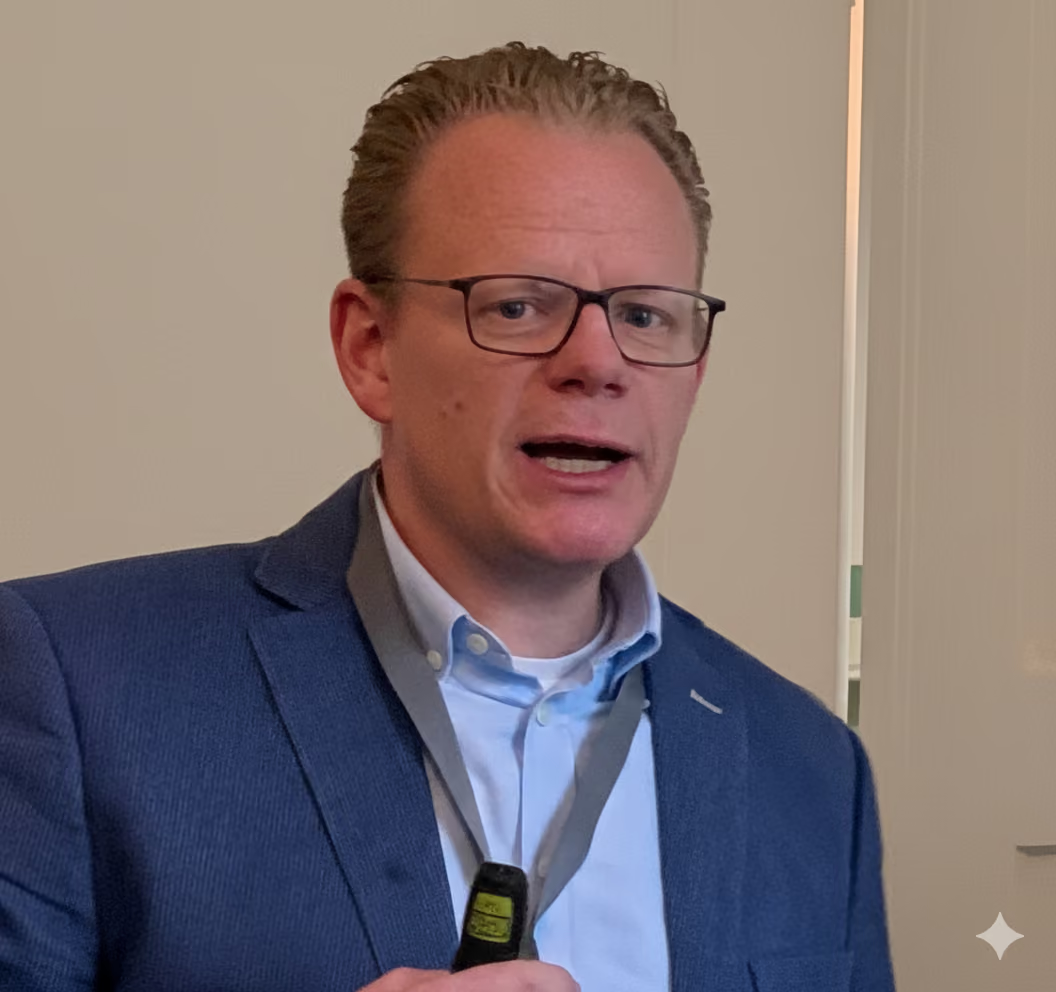
Arno Tromp
Director
,
Solvis

“Chapter provides verified answers in seconds, directly within our CRM. Our support team can resolve queries while the customer is still on the line.”

LK
Laurens Koerselman
Technical Support Lead, Eplucon

“The website chatbot handles technical questions 24/7 in multiple languages. It has significantly reduced our support ticket volume while improving customer satisfaction.”

XX
[Placeholder Customer]
[Role, Company]

“Chapter captures the installer-specific procedures that only our senior engineers know. When they retire, their expertise stays with us.”

SV
Solvis Representative
Solvis
Case study

How Solvis structured service knowledge for faster support

Providing product-specific technical guidance to heating installers across Europe.

Read case study
234
FILES
6,200+
answers
FAQ

Questions buyers ask.

How does Chapter find a gap?
Two ways. Chapter detects questions it could not answer well, and every thumbs-down creates a gap, including thumbs-downs from anonymous visitors on a published widget.
How quickly does a fix reach users?
Experts fix one question at a time, so the correction takes effect immediately. It then applies to every installer, every market and every language.
What if the document is right but the answer is wrong?
That is a behavioural gap. The knowledge exists but the assistant handled the question badly, so the fix is in the agent configuration and the documentation stays as it is.
Does Chapter write the answers itself?
Your experts stay in charge of the fix. Chapter finds the gap, shows the conversation behind it and suggests ways to close it.
Who can fix a gap?
Anyone with the Expert role.
Does the person who reported it hear back?
Yes. Once a fix is live, the person who reported the gap is notified in their own language.
Rutger Laman Trip

Still have a question?

Talk to someone who knows the energy sector

Talk to an expert
Get started

Find out what your agent can't answer yet.

Start with your own documents. Your first gap list shows you where to begin.